Turbo Mode Activated!

You've unlocked the secret encoding boost! Enjoy enhanced performance and a special visual theme.

Streamline

Loading version...

Professional Media Encoding Made Simple

Streamline is a powerful desktop application for video and audio encoding with hardware acceleration support, built with Electron and React.

Free & Open Source
Hardware Accelerated
Powerful Features

Streamline offers professional-grade media encoding capabilities with an intuitive interface.

Hardware Acceleration

Automatic detection and support for NVIDIA, AMD, Intel, and Apple Silicon hardware encoders.

  • NVIDIA NVENC support
  • AMD AMF support
  • Intel Quick Sync support

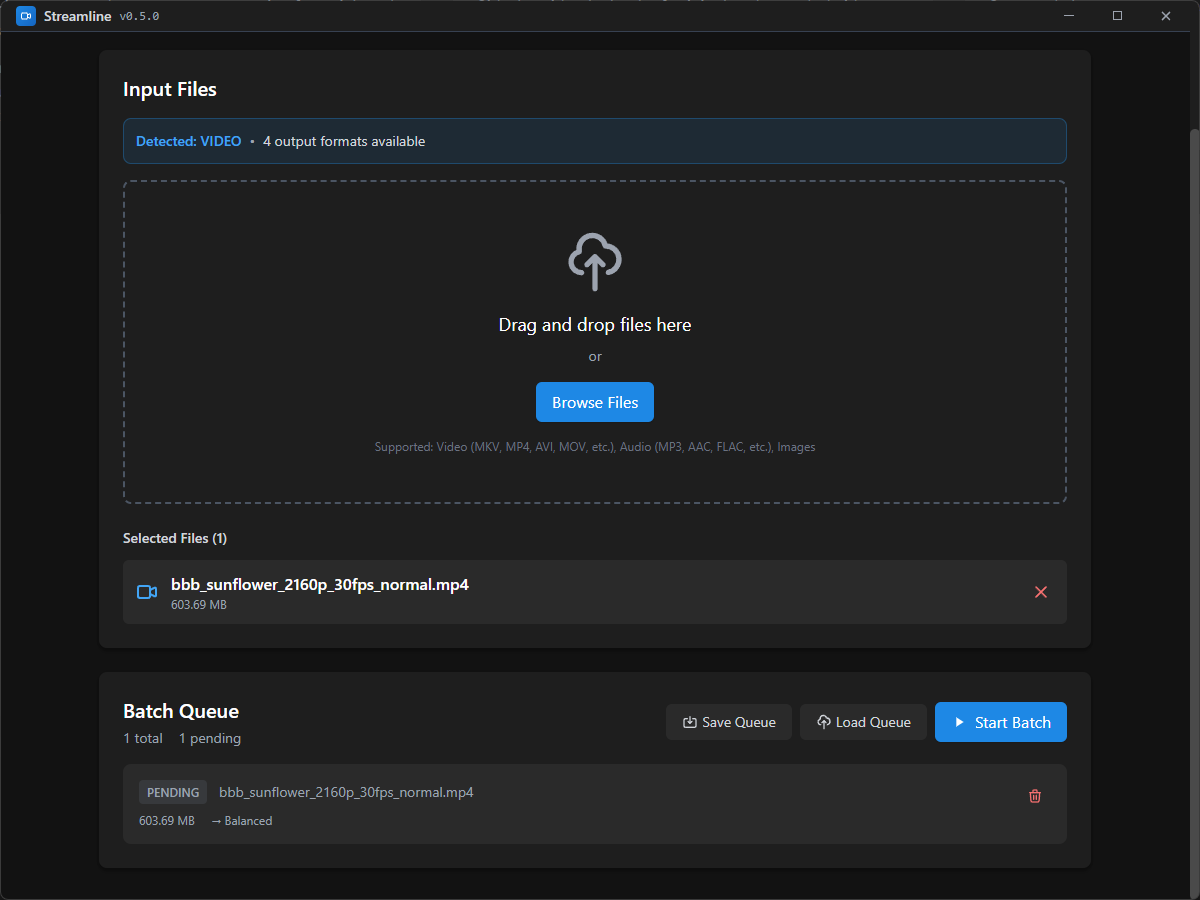
Batch Processing

Queue multiple files for sequential encoding with individual settings for each file.

  • Queue management
  • Individual file settings
  • Progress tracking

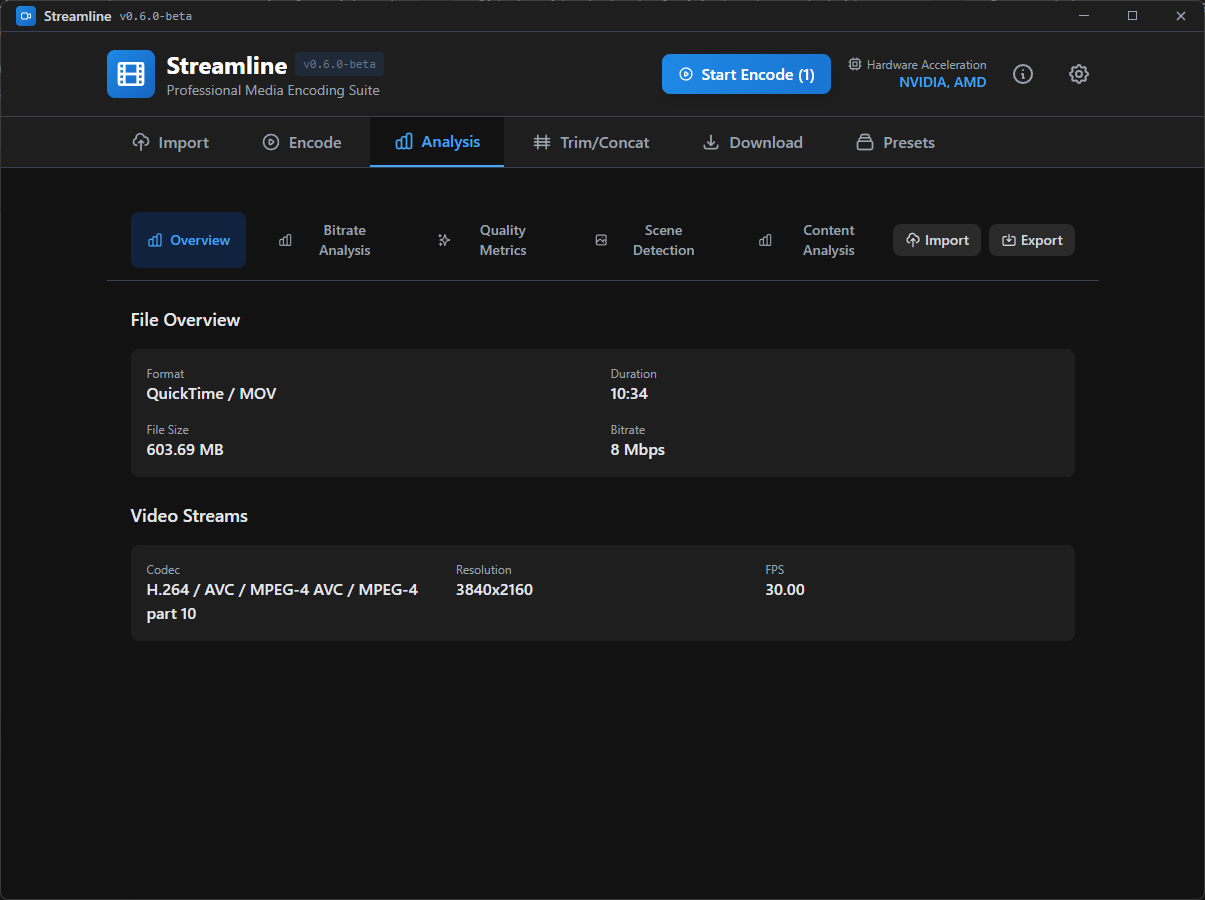
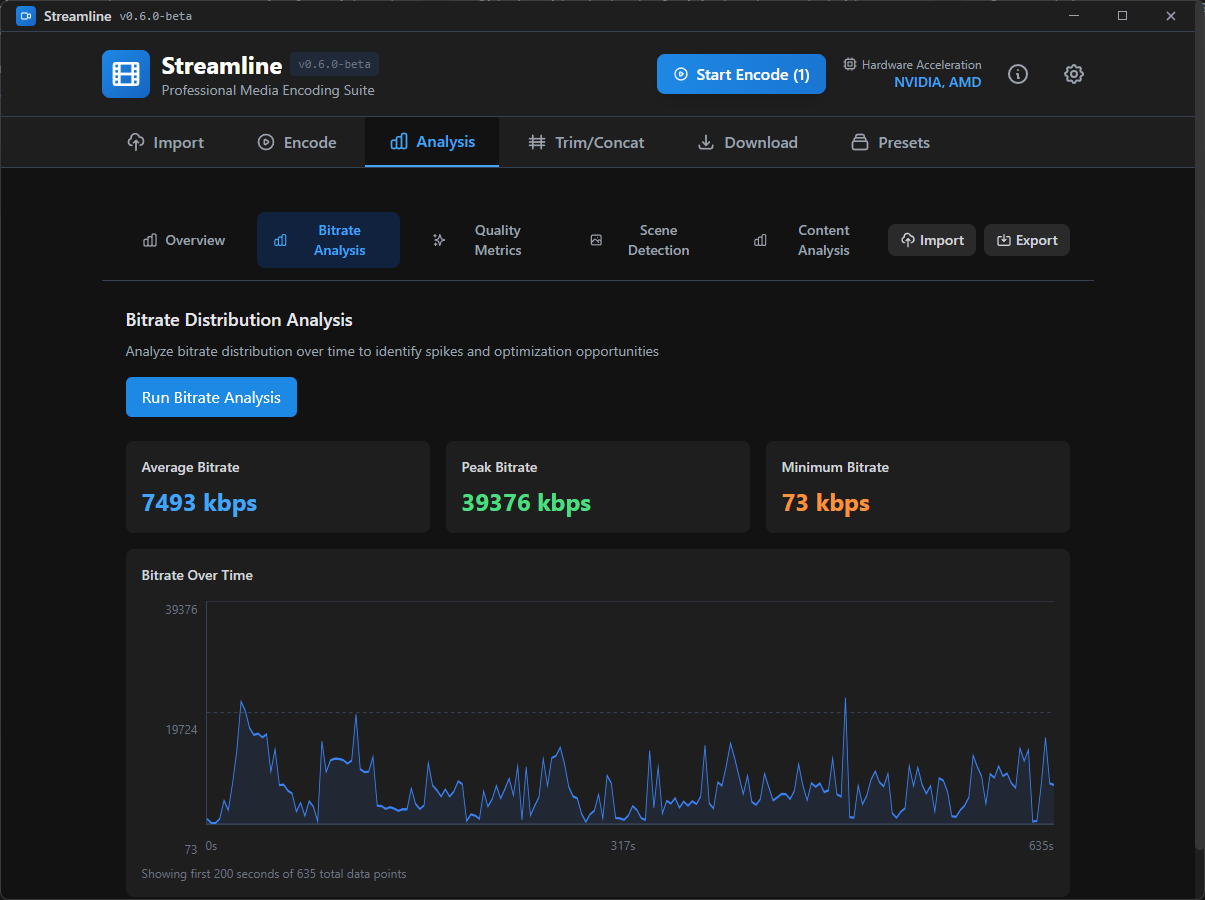
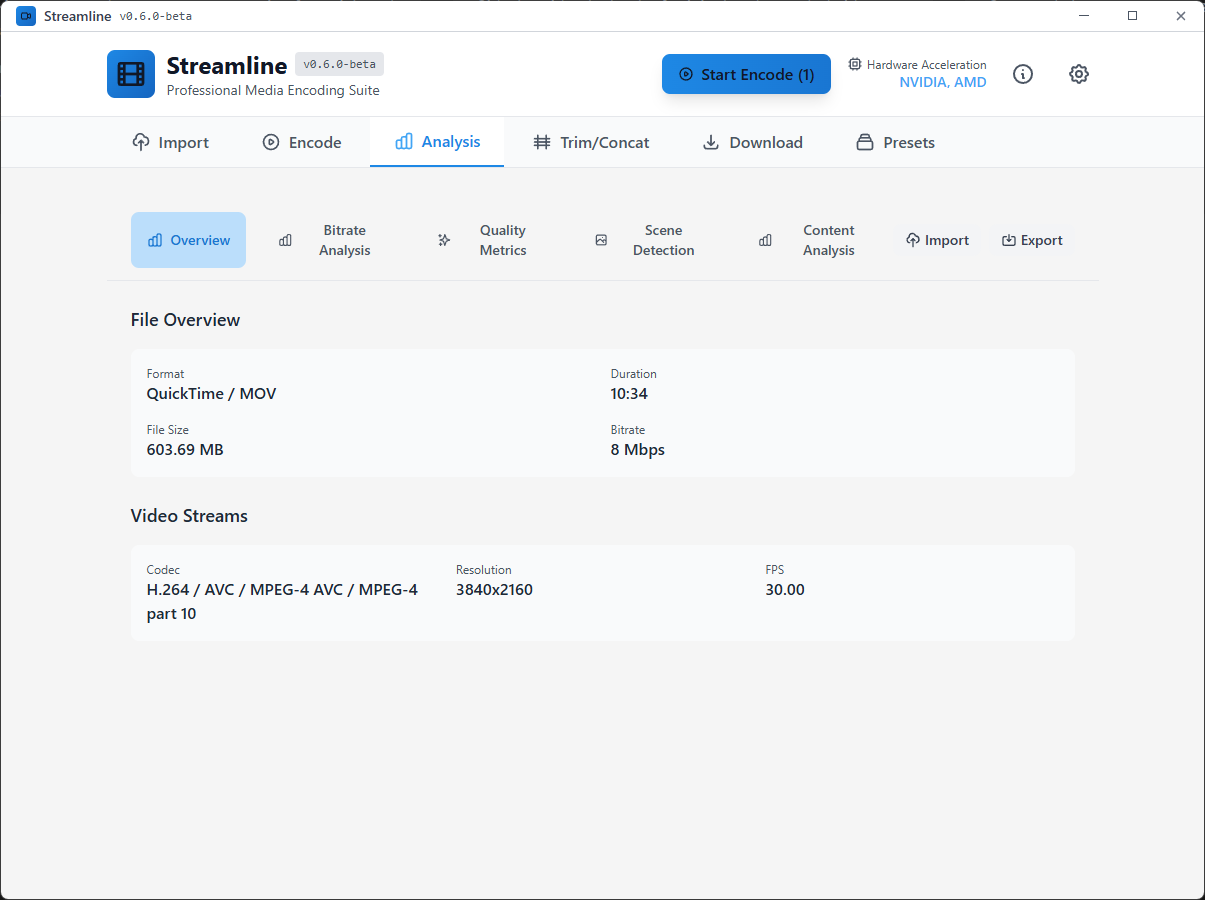
Quality Analysis

PSNR, SSIM, and VMAF metrics for encoded files to ensure quality preservation.

  • PSNR metrics
  • SSIM analysis
  • VMAF scoring

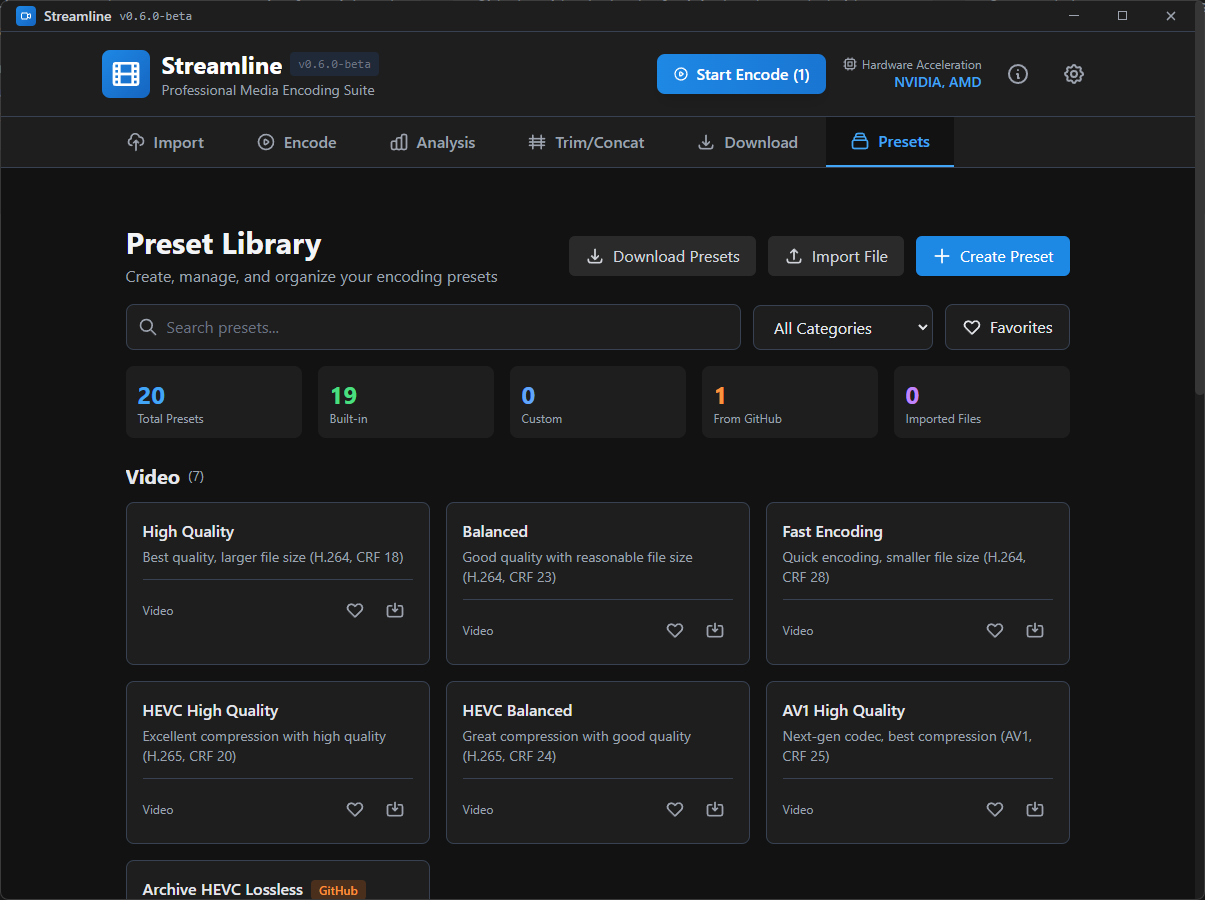
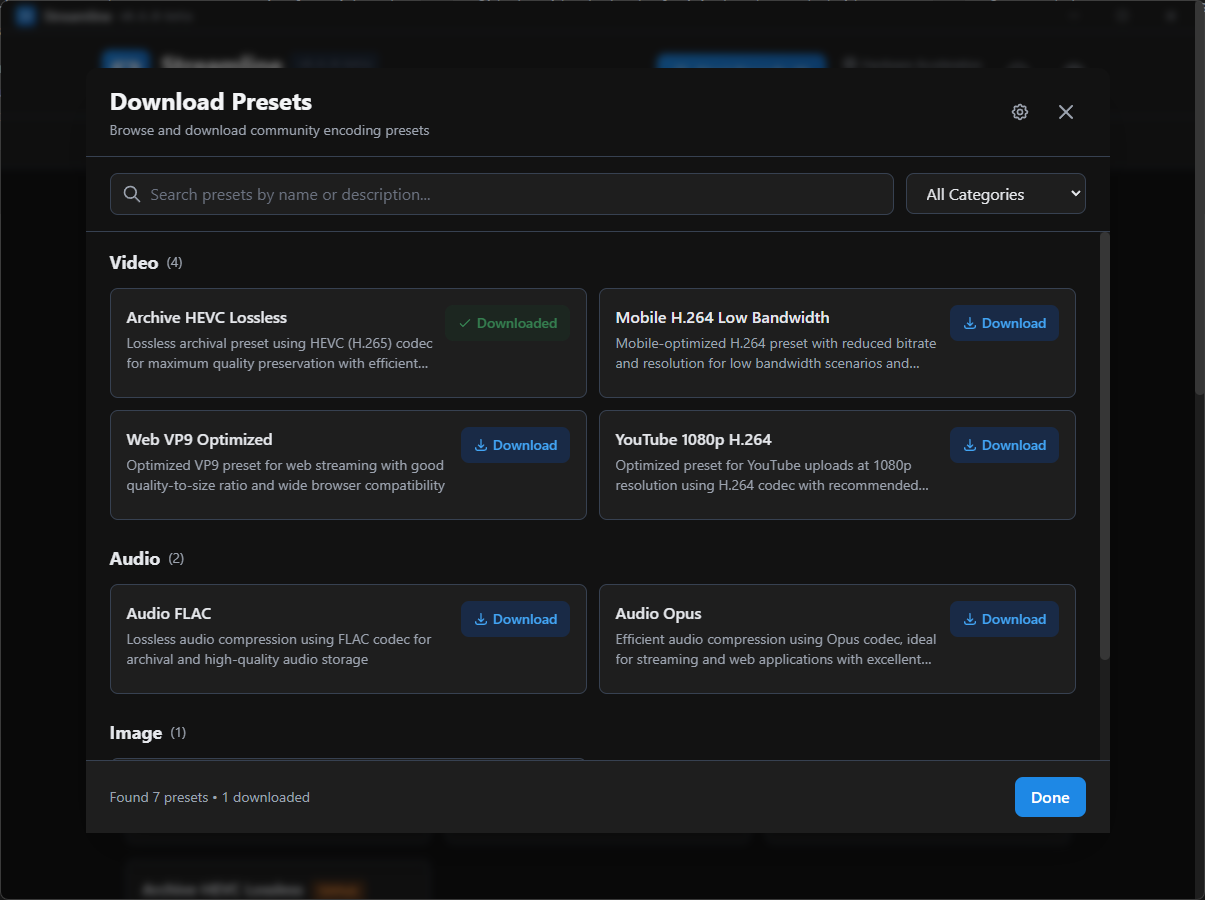
Preset System

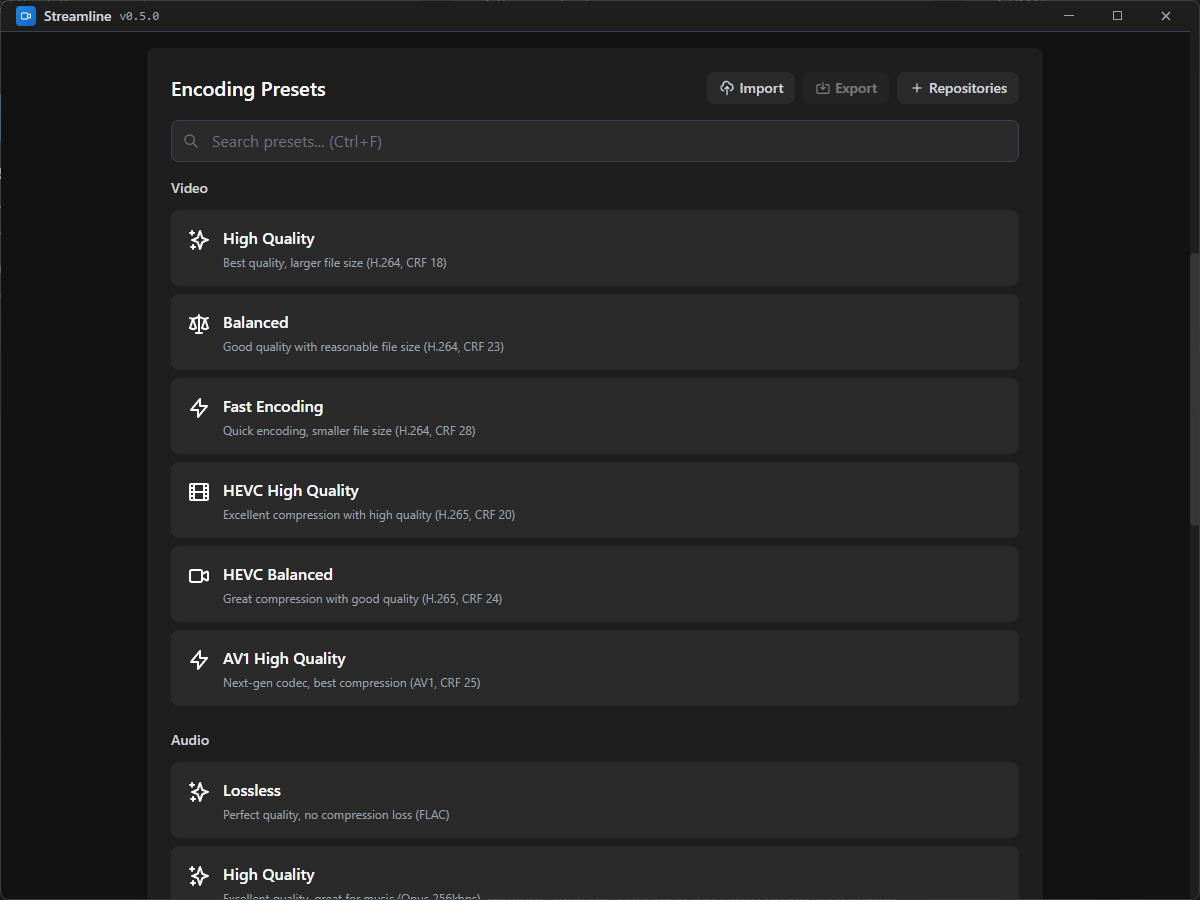
Built-in presets and custom preset creation for quick and consistent encoding.

  • Built-in presets
  • Custom preset creation
  • Export/import presets

Video Comparison

Side-by-side playback of original and encoded videos for quality assessment.

  • Side-by-side view
  • Frame-by-frame comparison
  • Difference highlighting

Custom File Formats

Save and share queues, presets, analysis, and reports in custom file formats.

  • .slqueue files
  • .slpreset files
  • .slanalysis files

Turbo Encoder Mode

You've unlocked the secret Turbo Encoder! This experimental feature uses AI to optimize encoding settings for maximum quality and speed.

AI-Powered Optimization

Machine learning algorithms analyze your content to suggest optimal settings.

Quality Prediction

Predict final quality before encoding to save time and resources.

Smart Presets

Dynamic presets that adapt to your specific content type and goals.

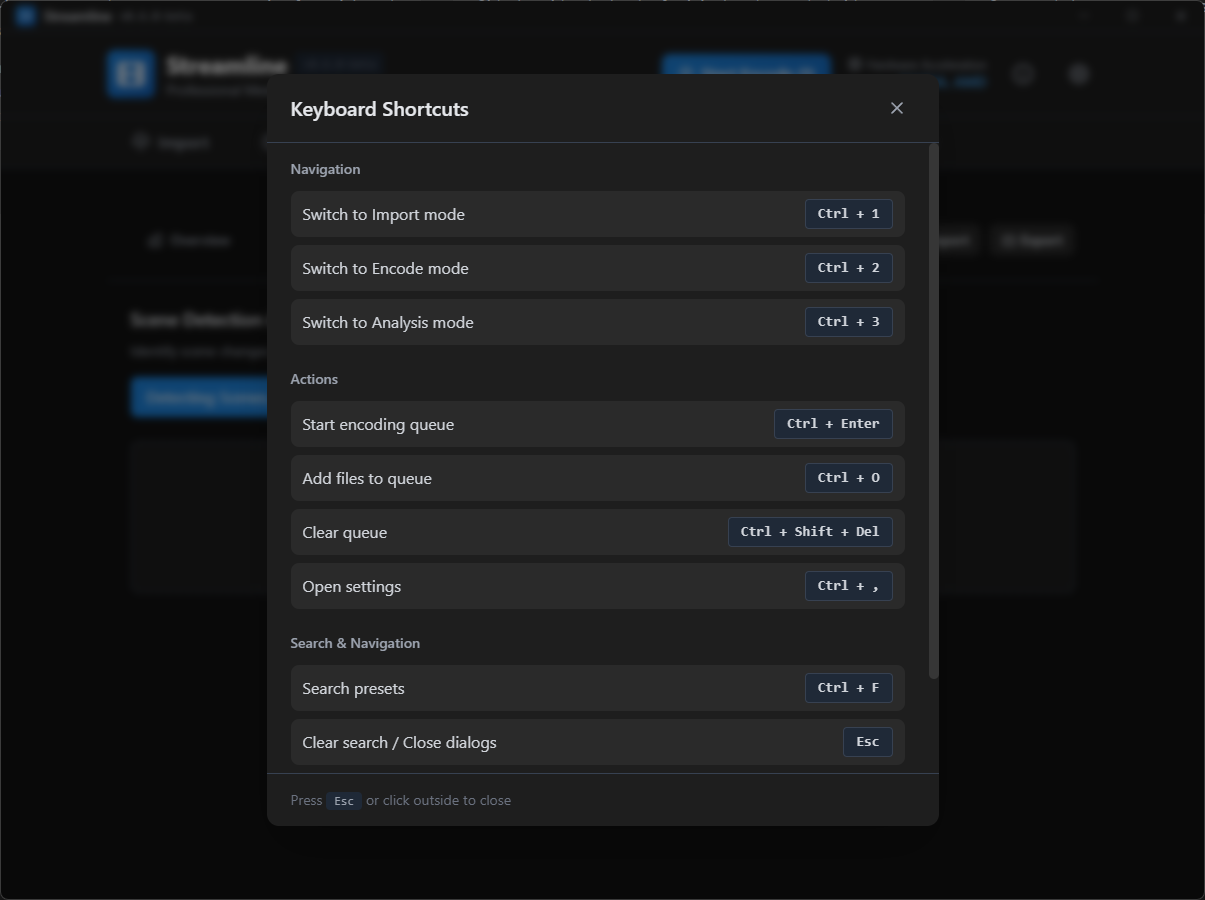
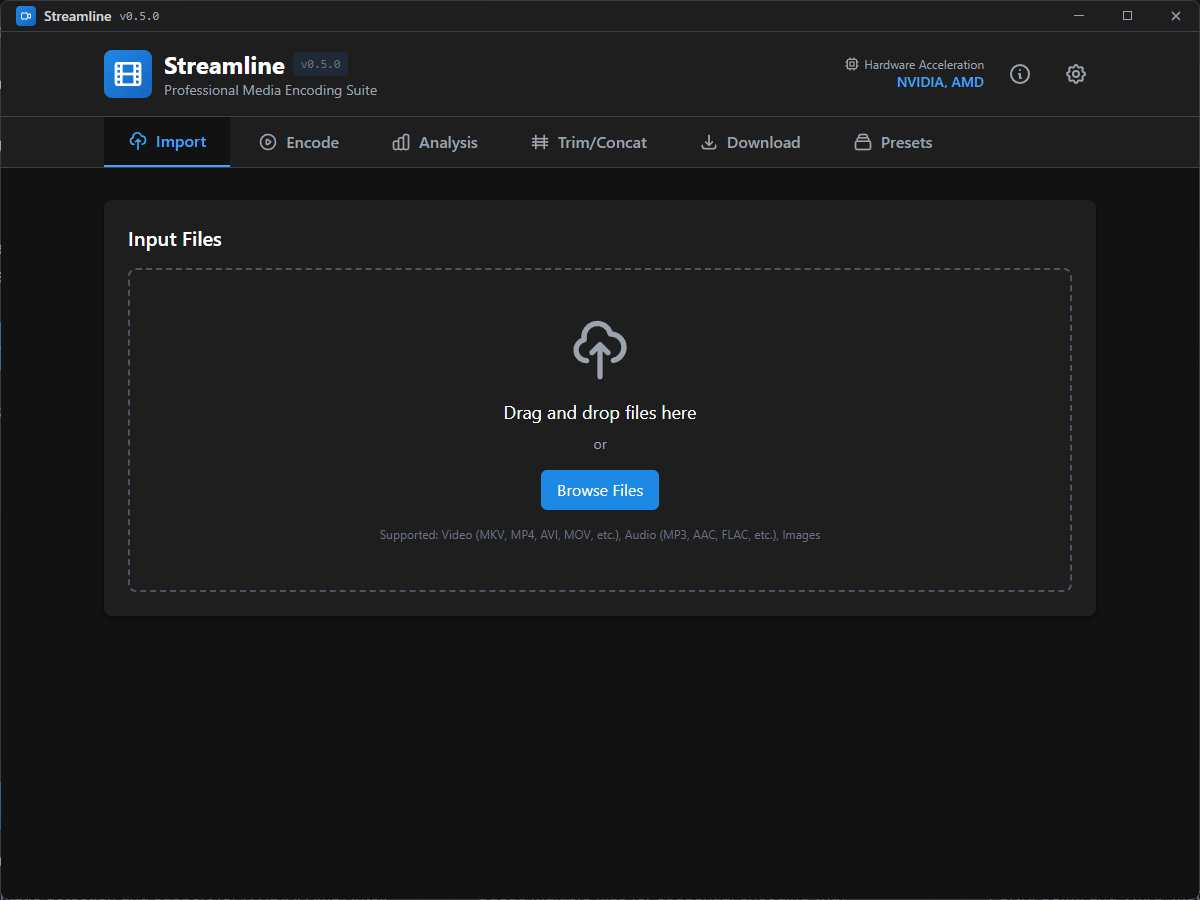
Application Screenshots

See Streamline in action with these screenshots of the main interface and features.

Download Streamline

Available for Windows, macOS, and Linux. Free and open source.

System Requirements

Prerequisites

  • FFmpeg installed and available in system PATH
  • 4GB RAM minimum, 8GB recommended
  • 2GB free disk space

Hardware Acceleration

  • NVIDIA: Latest GPU drivers
  • AMD: Up-to-date GPU drivers
  • Intel: Quick Sync compatible hardware

Windows

Windows 10 or later

Download for Windows

Installer

macOS

macOS 10.14 or later

Download for macOS

.dmg installer

Linux

Ubuntu 18.04 or later

Download for Linux

.AppImage

Documentation & Support

Comprehensive guides and resources to help you get the most out of Streamline.